Starting a Trip
Trips let the tournament know your boat is fishing. Start a trip to declare your fishing day, then end it when you're back at the dock.
Open My Trips
There are two ways to get to your trips in the app.
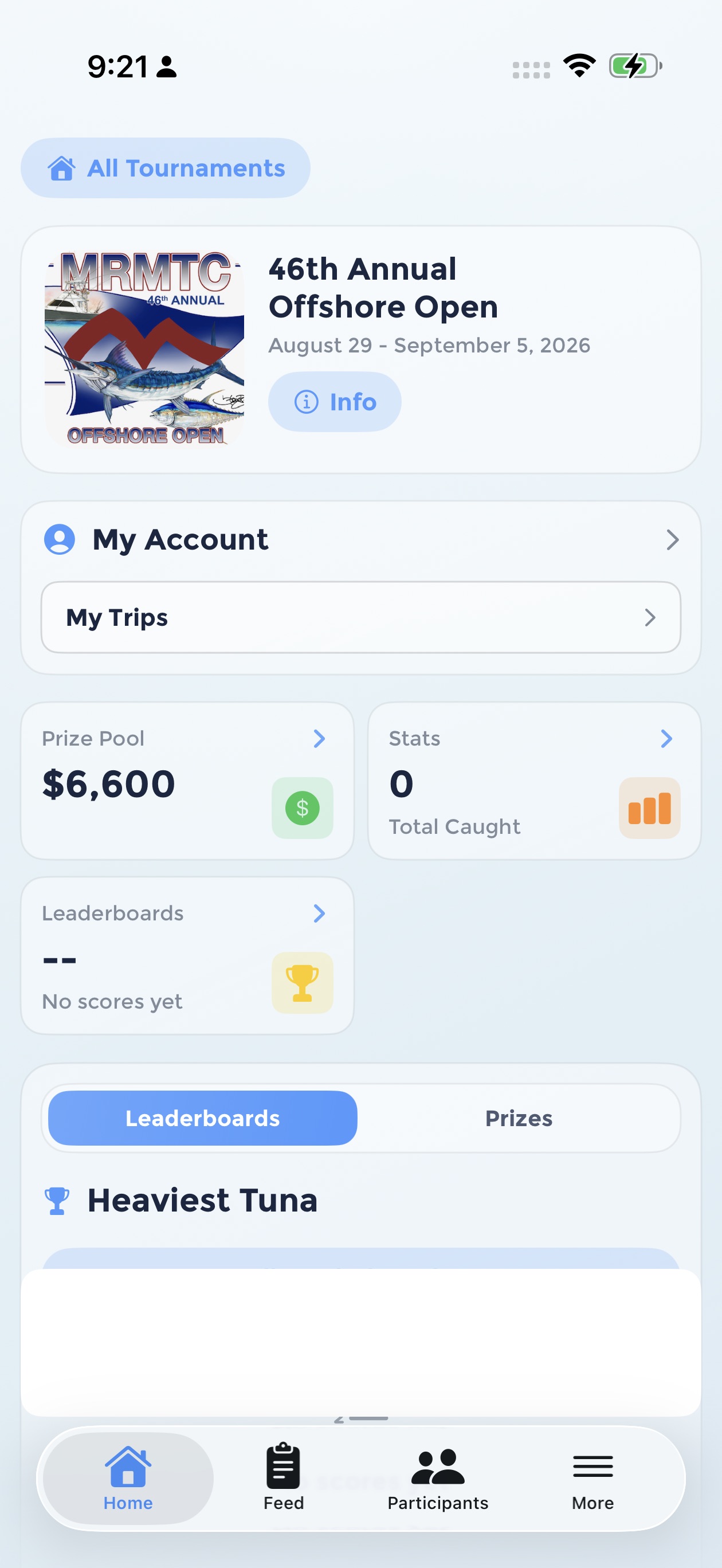
From the tournament home screen, tap My Trips under My Account.
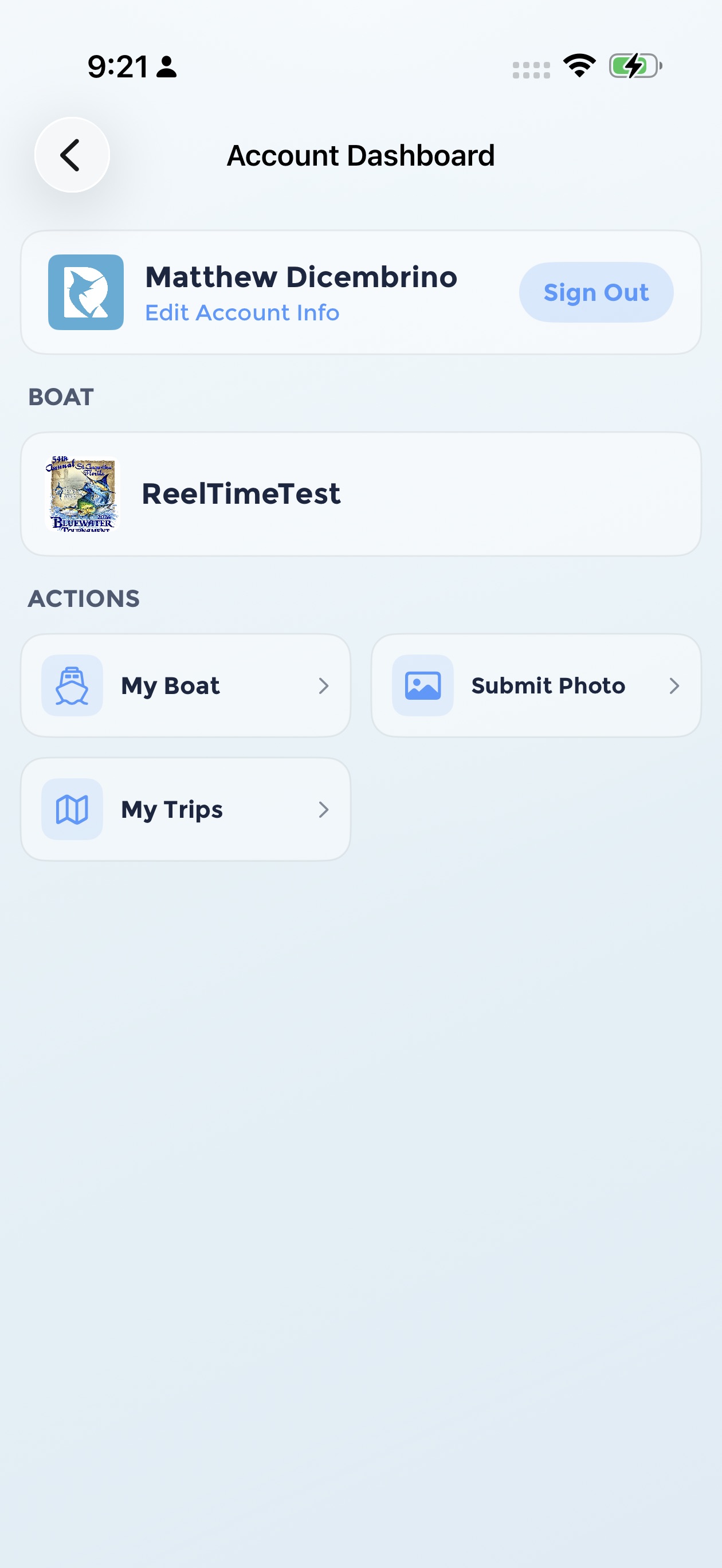
Or open your Account Dashboard and tap My Trips under Actions.
Start Your Trip
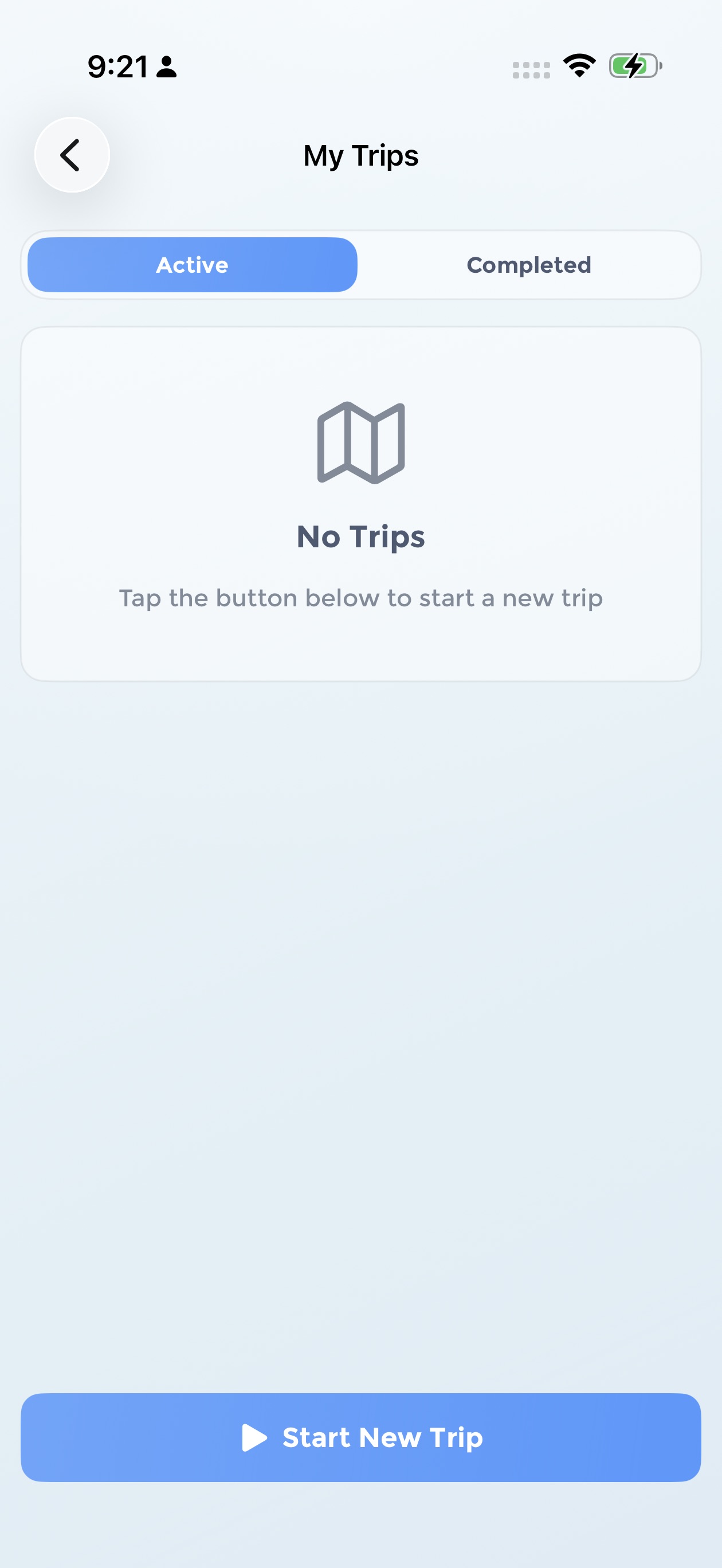
Tap Start New Trip
The My Trips screen shows your active and completed trips for the tournament. Tap the Start New Trip button at the bottom.
Choose your trip type
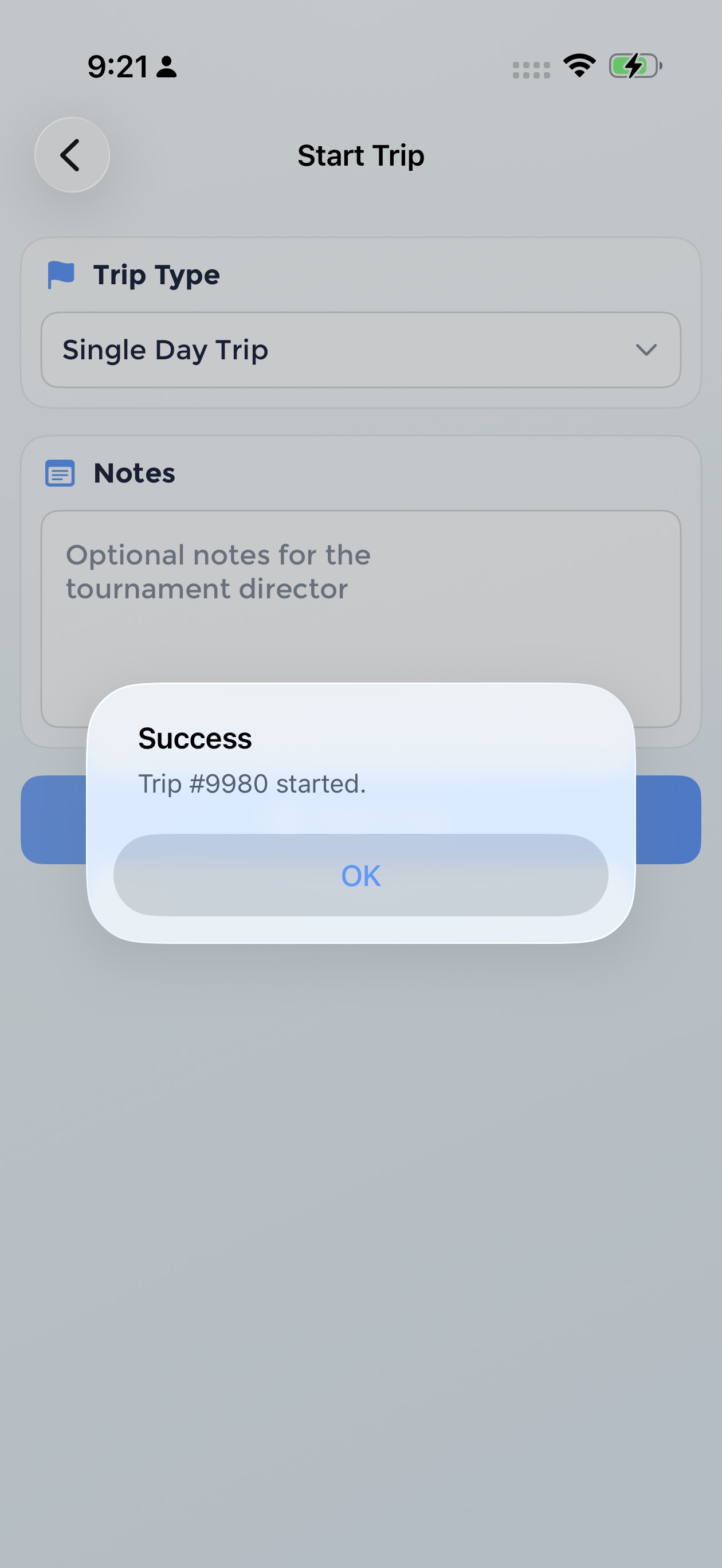
Select the trip type for your fishing day. You can also add optional notes for the tournament director.
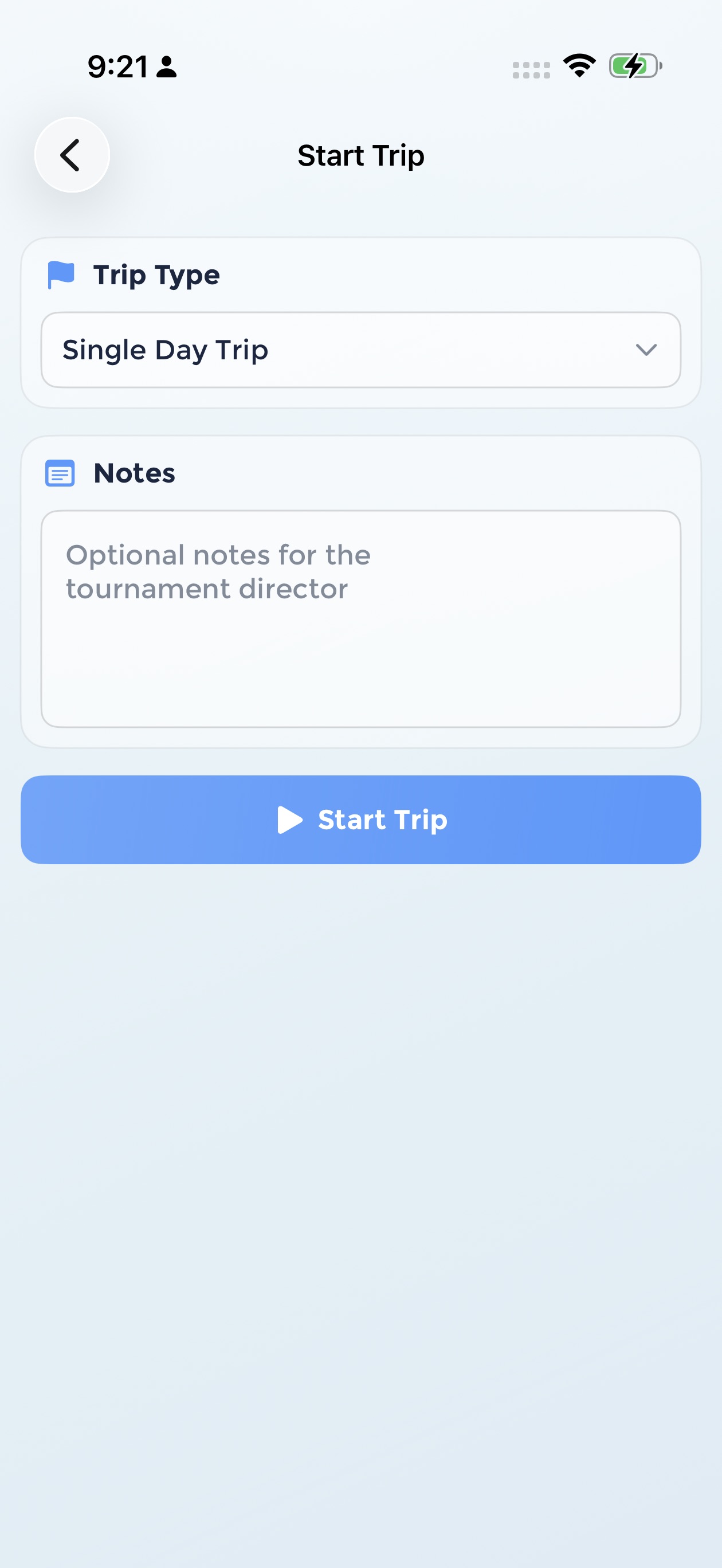
Tap Start Trip
You'll see a confirmation with your trip number. Your boat is now declared for the day.
End Your Trip
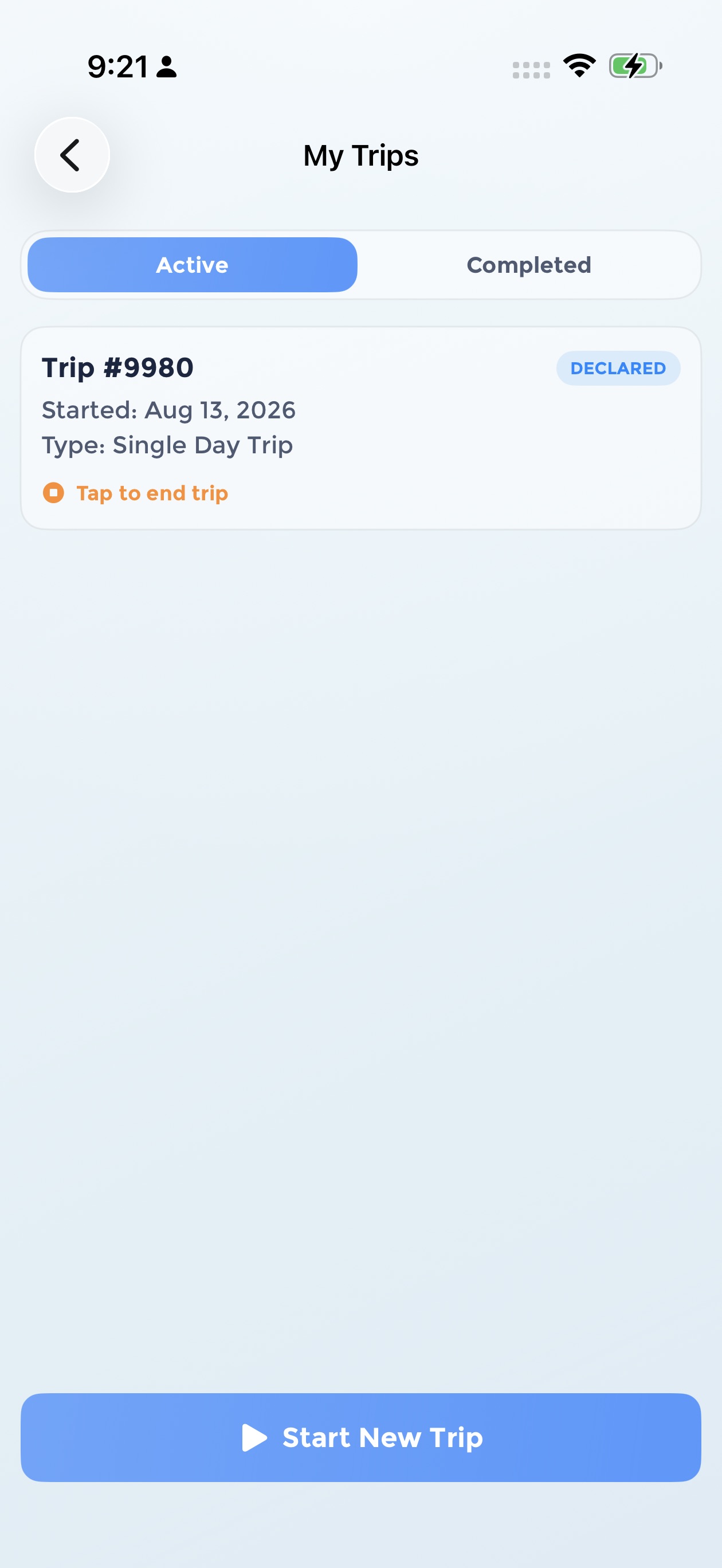
Tap your active trip
Back on My Trips, your trip appears under the Active tab with a Declared badge. Tap the trip card to end it.
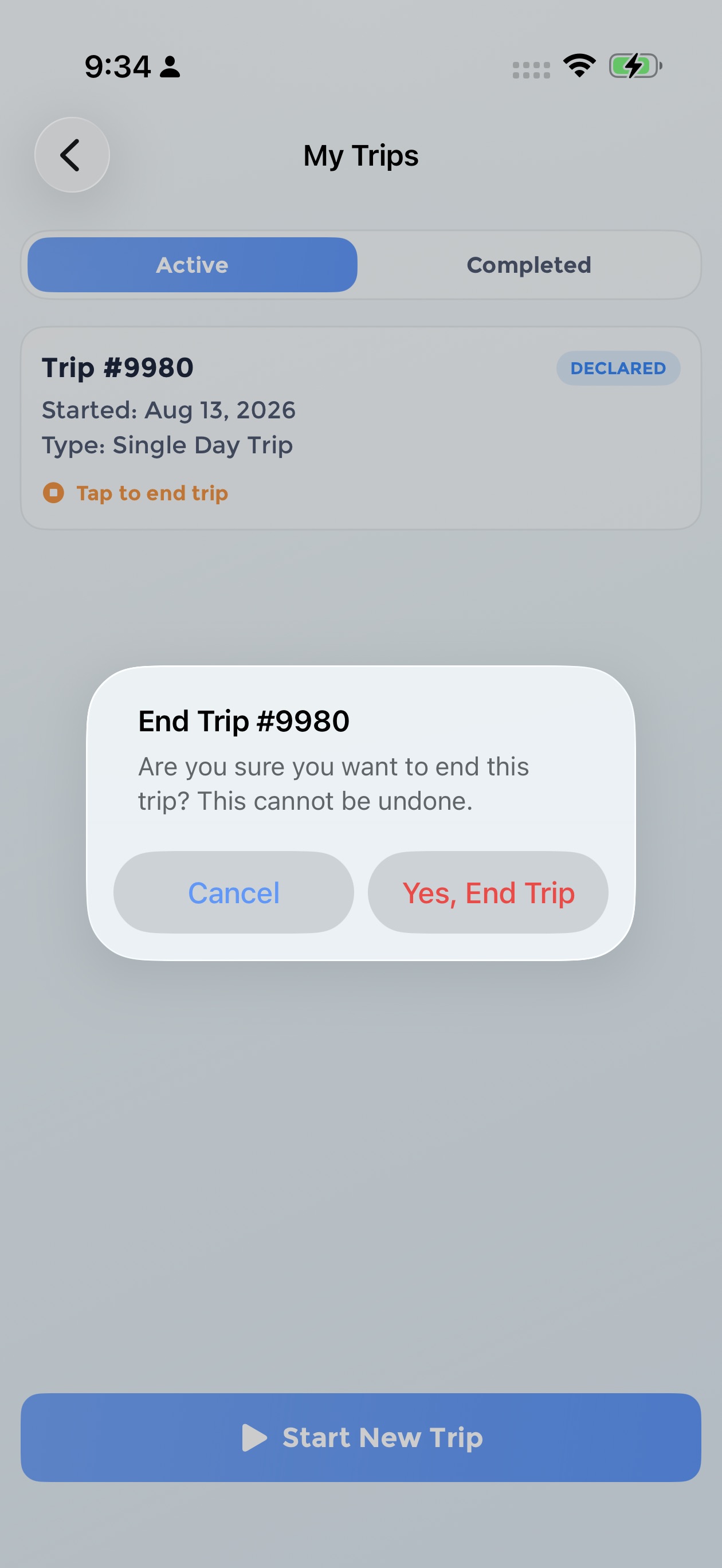
Confirm Yes, End Trip
Confirm you want to end the trip. Once ended, a trip cannot be restarted.
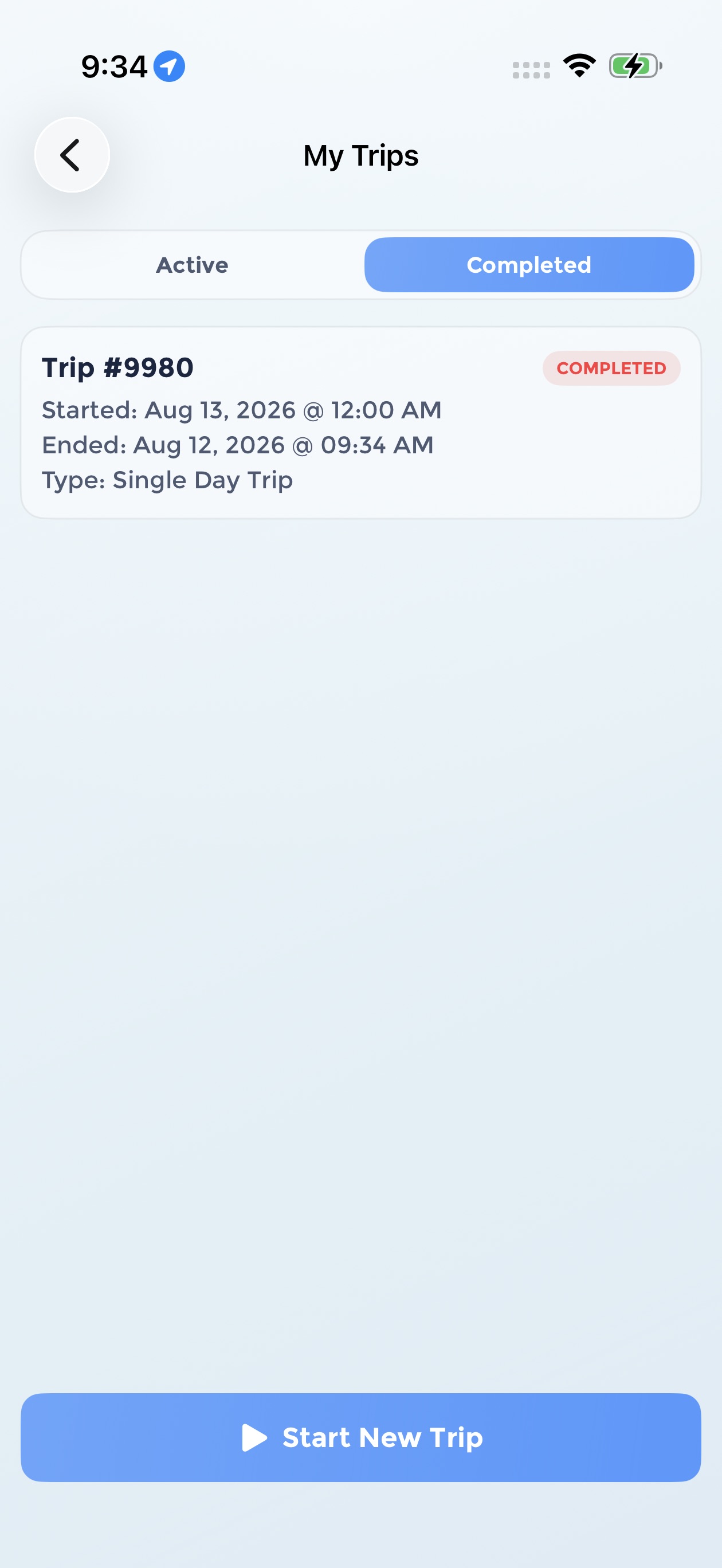
Review completed trips
Your trip moves to the Completed tab with its start and end times. Start a new trip for your next fishing day.
Good to Know
- Start your trip before lines in. Many tournaments require boats to declare before fishing begins, so check your tournament rules.
- Ending a trip is final. Once you end a trip it cannot be restarted, but you can always start a new one.
- Trips are per tournament. If you're fishing more than one tournament, start a trip in each.